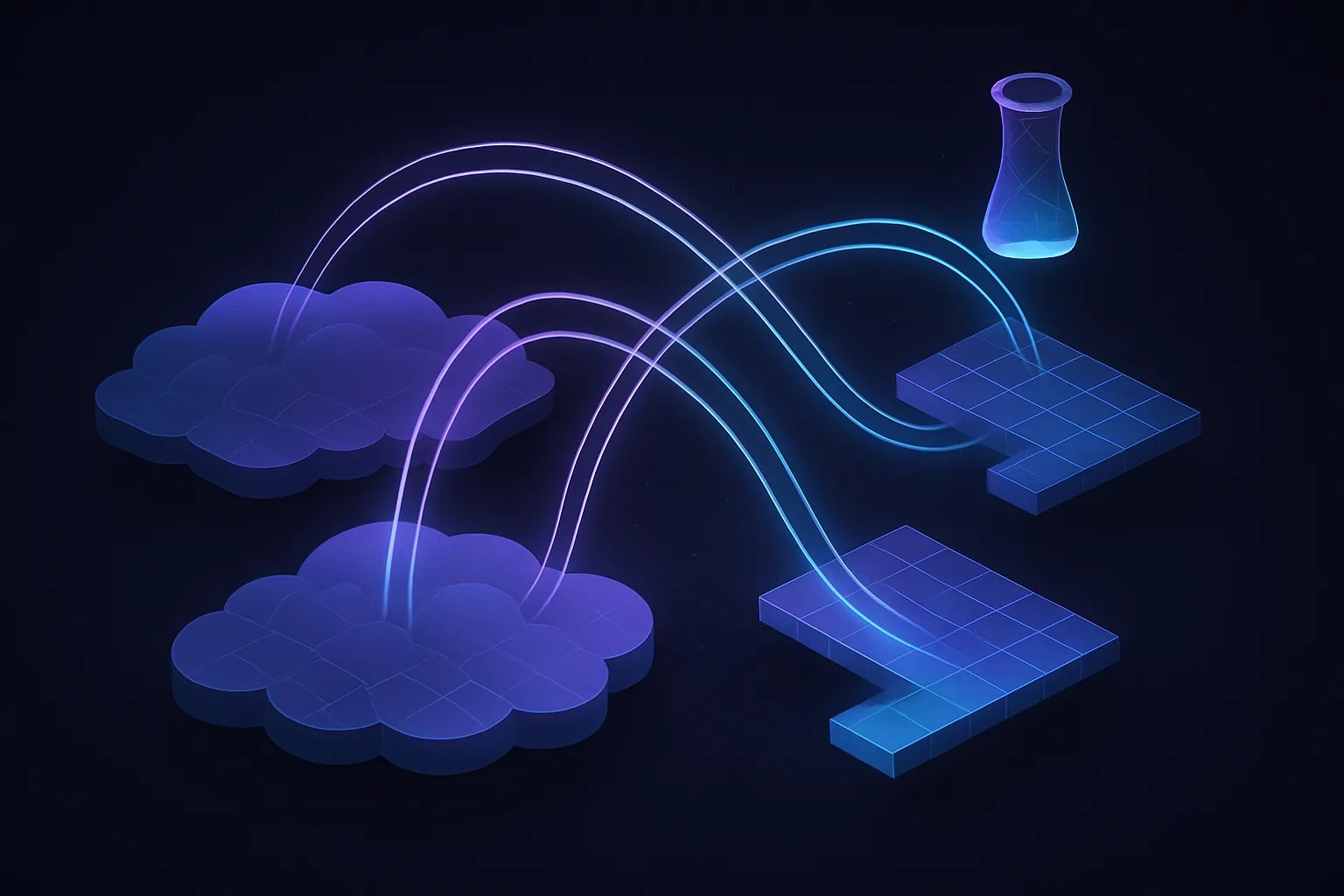
Building Efficient Cloud Data Pipelines: AWS Glue vs. GCP Dataflow
The Challenge of Scaling Data Pipelines in the Cloud
You're staring at a dashboard showing a spike in data processing latency. Your cloud bill is climbing, and your team is struggling to keep up with the data ingestion demands. This is the reality for many engineers tasked with building scalable data pipelines in the cloud. The challenge is not just about moving data but doing so efficiently and cost-effectively.
Context and Assumptions
This post assumes you're working with AWS Glue and GCP Dataflow in a cloud environment. The focus is on mid to large-scale data processing tasks, typically handling terabytes of data daily. We assume familiarity with cloud services, data engineering concepts, and basic DevOps practices. This is not a beginner's guide but a deep dive into optimizing cloud data pipelines.
Why This Matters Now (2025-2026 Context)
As we move into 2025 and beyond, the volume of data generated by applications continues to grow exponentially. With the rise of AI and machine learning, the need for real-time data processing has never been more critical. Cloud providers like AWS and GCP offer powerful tools to handle these demands, but choosing the right tool and configuring it correctly is crucial to avoid unnecessary costs and inefficiencies.
Building a Data Pipeline: Step-by-step Walkthrough
-
Define Your Data Sources and Sinks: Start by identifying where your data is coming from and where it needs to go. This could be databases, IoT devices, or third-party APIs. Define the data sinks, such as data lakes or warehouses, where processed data will be stored.
-
Choose the Right Tool: Decide between AWS Glue and GCP Dataflow based on your specific needs. AWS Glue is ideal for ETL tasks with its serverless architecture, while GCP Dataflow excels in stream and batch processing with its unified model.
-
Set Up Your Environment: Configure your cloud environment. For AWS Glue, this involves setting up IAM roles and policies. For GCP Dataflow, ensure your project has the necessary permissions and APIs enabled.
-
Develop Your Data Transformation Logic: Write the code to transform your data. AWS Glue uses PySpark, while GCP Dataflow supports Apache Beam, allowing you to write in Java, Python, or Go.
-
Optimize for Performance and Cost: Use partitioning and parallel processing to improve performance. Both AWS Glue and GCP Dataflow offer auto-scaling features, but it's essential to monitor and adjust configurations to avoid over-provisioning.
-
Deploy and Monitor: Deploy your pipeline and set up monitoring to track performance and costs. Use AWS CloudWatch or GCP Stackdriver to set alerts for anomalies.
# Example of a simple PySpark transformation in AWS Glue
from awsglue.context import GlueContext
from pyspark.context import SparkContext

sc = SparkContext()
glueContext = GlueContext(sc)

# Load data from S3
datasource0 = glueContext.create_dynamic_frame.from_catalog(database = "my_database", table_name = "my_table")

# Transform data
applymapping1 = ApplyMapping.apply(frame = datasource0, mappings = [("col0", "string", "col0", "string")])

# Write data back to S3
datasink2 = glueContext.write_dynamic_frame.from_options(frame = applymapping1, connection_type = "s3", connection_options = {"path": "s3://my-bucket/output"}, format = "json")
Real-world Use Cases or Architecture Patterns
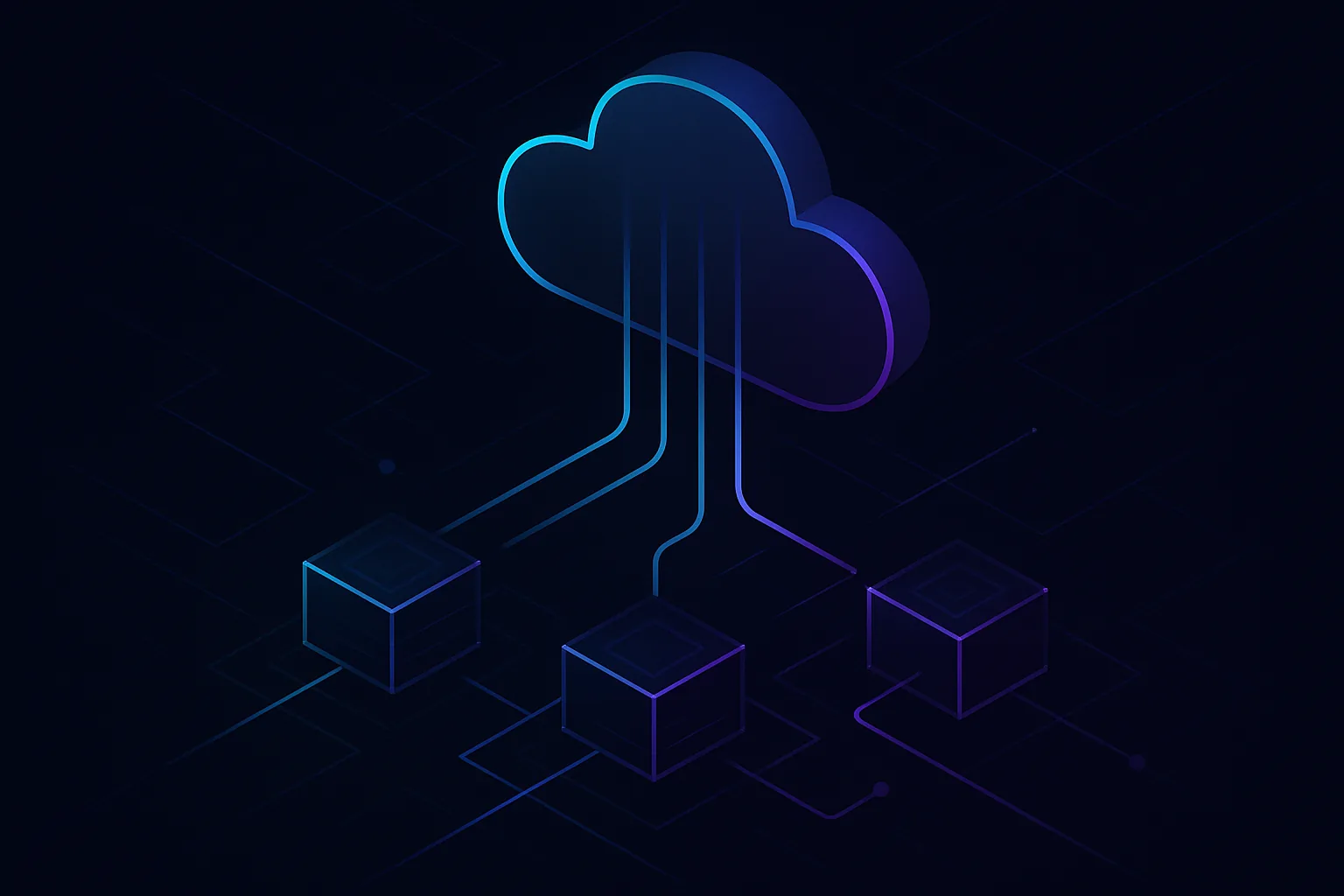
In practice, companies like Netflix and Spotify use cloud data pipelines to process vast amounts of streaming data. A common pattern is the Lambda architecture, which combines batch and real-time processing to provide comprehensive data insights.
Common Mistakes Engineers Make
- Overlooking Cost Implications: Engineers often underestimate the cost of data transfer and storage. Always consider the pricing model of your cloud provider.
- Ignoring Data Quality: Poor data quality can lead to inaccurate analytics. Implement data validation checks early in the pipeline.
- Neglecting Security: Ensure data is encrypted in transit and at rest. Misconfigured permissions can lead to data breaches.
Trade-offs and When NOT to Use This Approach
- AWS Glue vs. GCP Dataflow: AWS Glue is not ideal for real-time processing due to its batch-oriented nature. Conversely, GCP Dataflow might be overkill for simple ETL tasks.
- Cost vs. Performance: High performance often comes at a higher cost. Evaluate whether the performance gains justify the expense.
How This Impacts System Design Interviews
Understanding cloud data pipelines can be a significant advantage in system design interviews. It demonstrates your ability to handle large-scale data processing and optimize for performance and cost, which are critical skills in today's tech landscape.
Practical Recap
- Evaluate your data sources and sinks before choosing a tool.
- Use AWS Glue for ETL and GCP Dataflow for stream processing.
- Optimize your pipeline for both performance and cost.
- Monitor your pipeline continuously to catch anomalies early.
- Consider the trade-offs between cost and performance when designing your pipeline.