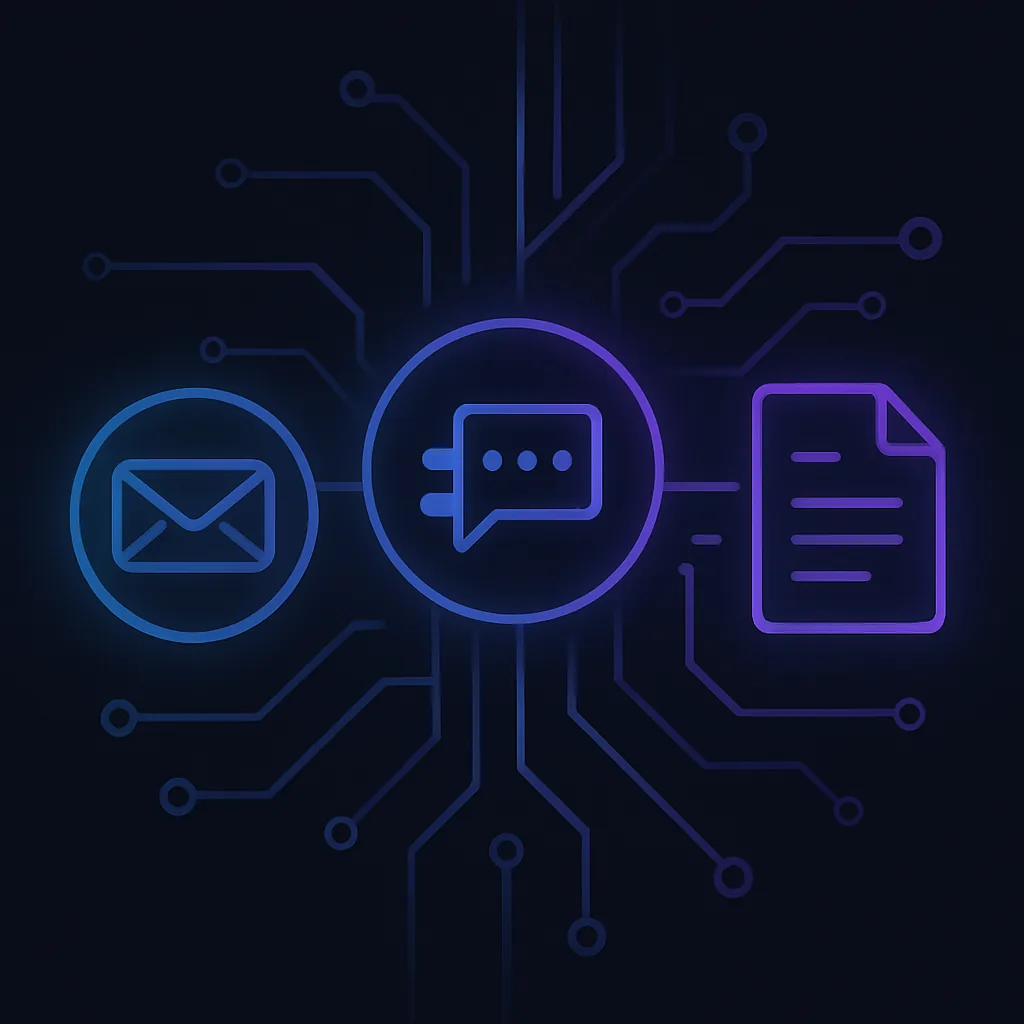
Email vs Slack vs Document: Choosing the Right Communication Channel for Software Teams
In the ever-evolving landscape of software development, effective communication is the backbone of successful projects. As teams become more distributed and projects more complex, choosing the right communication channel—be it Email, Slack, or Document-based—can significantly impact productivity and collaboration. But how do you decide which channel to use, and when?

Why This Topic Matters NOW
As we step into 2025–2026, the software industry is witnessing unprecedented changes. Remote work is the norm, AI-driven tools are ubiquitous, and microservices architectures are more complex than ever. In this context, the choice of communication channels can make or break a project. Engineers need to navigate these options with precision to ensure seamless collaboration and efficient information flow.
Deep Dive into Concepts
Email: The Traditional Workhorse
Email has been the cornerstone of professional communication for decades. It's asynchronous, allowing recipients to respond at their convenience, and is ideal for formal communication, documentation, and archiving.
Example Use Case:
- Code Review Summaries: Sending detailed feedback and summaries of code reviews to ensure all stakeholders are informed and can refer back to the discussion.
Pros:
- Asynchronous and non-intrusive
- Excellent for formal documentation
- Easy to archive and search
Cons:
- Can lead to information overload
- Not ideal for real-time collaboration
Slack: The Real-Time Collaborator
Slack has revolutionized team communication with its real-time messaging capabilities. It's perfect for quick discussions, brainstorming sessions, and maintaining a sense of team presence.
Example Use Case:
- Incident Response: During a production incident, real-time communication is crucial. Slack channels dedicated to incident management can facilitate rapid information exchange and decision-making.
Pros:
- Real-time communication
- Integrates with numerous tools (e.g., Jenkins, GitHub)
- Encourages team bonding
Cons:
- Can be distracting
- Information can get lost in the noise
Document-Based Communication: The Knowledge Repository
Documents (e.g., Google Docs, Confluence) serve as the knowledge base for teams. They are ideal for collaborative editing, maintaining project documentation, and creating living documents that evolve with the project.
Example Use Case:
- Architecture Design Documents: Collaborative creation and maintenance of design documents that outline system architecture, ensuring all team members are aligned.
Pros:
- Collaborative editing
- Centralized knowledge repository
- Version control and history tracking
Cons:
- Can become outdated if not maintained
- Requires discipline to keep organized
Real-World Use Cases and Architecture Patterns
Consider a microservices architecture where different teams are responsible for various services. Communication channels play a crucial role in ensuring these teams work harmoniously.
In this setup:
- Slack is used for real-time discussions between the Frontend and Backend teams.
- Email is used for formal updates and summaries between the Backend and DevOps teams.
- Documents serve as the central repository for project documentation, accessible by all teams.
Common Mistakes Engineers Make
- Over-reliance on Slack: Using Slack for everything can lead to distractions and missed information.
- Neglecting Documentation: Failing to update documents can result in outdated information and misalignment.
- Email Overload: Sending too many emails can overwhelm recipients and reduce the effectiveness of communication.
When NOT to Use This Approach
- Slack for Formal Communication: Avoid using Slack for formal announcements or decisions that need to be archived.
- Email for Real-Time Collaboration: Email is not suitable for discussions that require immediate feedback.
- Documents for Quick Updates: For quick, transient updates, documents can be overkill.
How This Impacts System Design Interviews
In system design interviews, understanding the appropriate use of communication channels can demonstrate your ability to manage complex projects and collaborate effectively. Discussing how you would implement communication strategies in a proposed architecture can set you apart.
Best Practices / Recommendations
- Balance Asynchronous and Synchronous Communication: Use a mix of Email, Slack, and Documents to cater to different needs.
- Establish Clear Guidelines: Define when and how each channel should be used to avoid confusion.
- Regularly Update Documentation: Ensure documents are living entities that reflect the current state of the project.
Future Outlook
As AI continues to integrate into communication tools, expect smarter filtering, prioritization, and even automated responses. The future will likely see more seamless integration between these channels, allowing for a more fluid communication experience.
Conclusion
Choosing the right communication channel is not just about convenience; it's about optimizing team productivity and ensuring project success. By understanding the strengths and weaknesses of Email, Slack, and Document-based communication, engineers can make informed decisions that enhance collaboration and drive projects forward.
Key Takeaways:
- Use Email for formal, asynchronous communication.
- Leverage Slack for real-time, interactive discussions.
- Maintain Documents as a central knowledge repository.
- Balance and integrate these channels for optimal team performance.