
Implementing Elasticsearch for Application Search: A Step-by-Step Guide to Boost Performance
When your application search queries start lagging, causing user frustration and potential revenue loss, it's time to consider a robust solution like Elasticsearch. This guide will walk you through integrating Elasticsearch to enhance your application's search capabilities, ensuring fast and relevant results.
Context and Assumptions
This guide assumes you're working with:
- Java 21, Spring Boot 3.3
- Elasticsearch 8.x
- A microservices architecture
- ~5k req/s, multi-region deployment
Out of scope: Elasticsearch cluster setup and management, advanced query tuning.
Why This Matters Now (2025-2026 Context)
As applications grow in complexity and data volume, traditional database search capabilities often fall short. Elasticsearch, with its distributed nature and powerful full-text search capabilities, has become a go-to solution for modern applications. In 2025-2026, the demand for real-time, scalable search solutions is higher than ever, driven by user expectations for instant results and personalized experiences.
Step-by-step Integration of Elasticsearch

- Set Up Your Elasticsearch Cluster
- Deploy Elasticsearch nodes in your preferred cloud provider. Ensure high availability by setting up multiple nodes across regions.
-
Configure your cluster for optimal performance based on your data size and query patterns.
-
Integrate Elasticsearch with Spring Boot
- Add the Elasticsearch dependency to your
pom.xml:
xml <dependency> <groupId>org.springframework.boot</groupId> <artifactId>spring-boot-starter-data-elasticsearch</artifactId> </dependency> -
Configure the connection settings in
application.yml:
yaml spring: elasticsearch: uris: http://localhost:9200 -
Define Your Elasticsearch Repository
-
Create a repository interface for your entity:
java public interface ProductRepository extends ElasticsearchRepository<Product, String> { List<Product> findByName(String name); // Custom query method } -
Index Your Data
-
Use a service to index data into Elasticsearch:
```java
@Service
public class ProductService {
@Autowired
private ProductRepository productRepository;public void indexProduct(Product product) {
productRepository.save(product); // Indexing product
}
}
``` -
Implement Search Functionality
- Use the repository to perform search operations:
java
     public List<Product> searchProducts(String query) {
       return productRepository.findByName(query); // Executing search
     }
Real-world Use Cases and Architecture Patterns
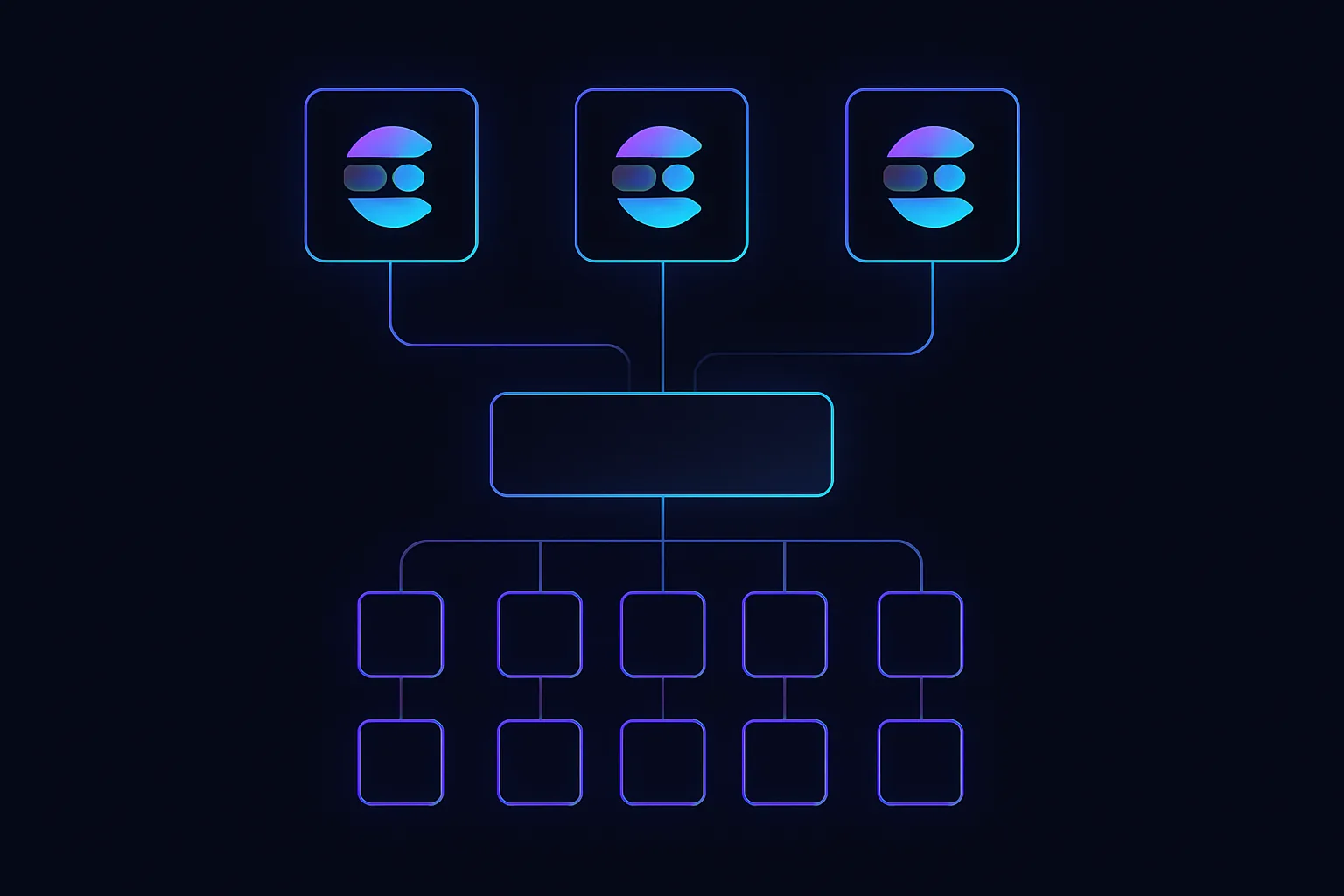
Many companies leverage Elasticsearch in their microservices architecture to handle search functionalities. For instance, an e-commerce platform might use Elasticsearch to power its product search, enabling users to find products quickly and efficiently. The architecture typically involves a dedicated search service that interacts with Elasticsearch, decoupling search logic from other business logic.
Common Mistakes Engineers Make
- Ignoring Index Management: Failing to manage indices can lead to performance degradation. Regularly optimize and rotate indices.
- Overloading Queries: Complex queries can slow down search performance. Simplify queries and use filters where possible.
- Neglecting Security: Elasticsearch should be secured with proper authentication and authorization to prevent unauthorized access.
Trade-offs and When NOT to Use This Approach
While Elasticsearch offers powerful search capabilities, it comes with trade-offs:
- Resource Intensive: Elasticsearch requires significant resources, which can increase costs.
- Complexity: Integrating and maintaining Elasticsearch adds complexity to your architecture.
- Not Ideal for Small Datasets: For small datasets, the overhead of Elasticsearch might not be justified.
How This Impacts System Design Interviews
Understanding Elasticsearch can be a differentiator in system design interviews. It demonstrates your ability to design scalable, efficient search solutions. Be prepared to discuss trade-offs and justify your choice of Elasticsearch over traditional databases.
Practical Recap
- Evaluate Your Needs: Determine if Elasticsearch is the right fit based on your application's search requirements.
- Plan Your Architecture: Design your system to integrate Elasticsearch effectively, considering scalability and performance.
- Optimize Indices: Regularly manage and optimize your indices to maintain performance.
- Secure Your Cluster: Implement security best practices to protect your Elasticsearch cluster.
- Stay Informed: Keep up with the latest Elasticsearch features and best practices to continuously improve your implementation.