Leveraging Obsidian and Notion as Engineering Knowledge Bases: A 2025 Perspective
In the fast-paced world of software engineering, managing and sharing knowledge effectively is crucial. As we step into 2025, the complexity of systems and the volume of information have grown exponentially. Engineers are increasingly turning to tools like Obsidian and Notion to create robust knowledge bases that enhance productivity and collaboration. But how do these tools stack up against traditional methods, and what are the best practices for using them effectively?
Why This Topic Matters NOW
The software development landscape in 2025 is characterized by distributed teams, microservices architectures, and rapid technological advancements. Engineers need to access and share information quickly to keep up with the pace of innovation. Traditional documentation methods often fall short, leading to fragmented knowledge and inefficiencies. Obsidian and Notion offer modern solutions that cater to the dynamic needs of today's engineering teams.
Deep Dive into Concepts
Obsidian: A Markdown-Powered Knowledge Base
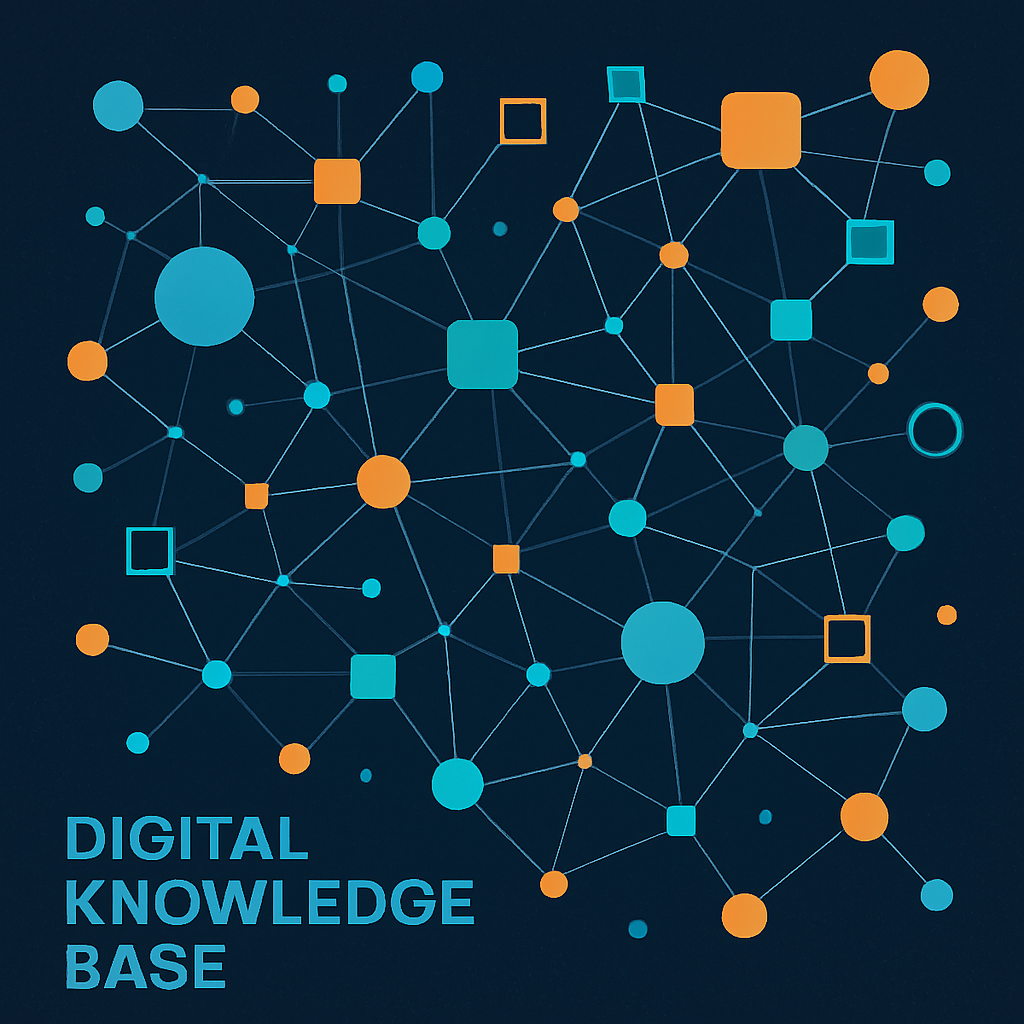
Obsidian is a powerful tool that leverages Markdown to create interconnected notes. Its graph view allows engineers to visualize relationships between concepts, making it easier to navigate complex information.
Example: Microservices Documentation
Consider a microservices architecture where each service has its own set of documentation. Using Obsidian, you can create a network of notes linking service APIs, deployment configurations, and monitoring dashboards. This interconnected structure helps engineers quickly understand dependencies and troubleshoot issues.
Notion: A Versatile Workspace
Notion offers a more structured approach with databases, templates, and collaborative features. It's ideal for teams that require a blend of documentation, task management, and project tracking.
Example: DevOps Playbook
A DevOps team can use Notion to create a playbook that includes incident response procedures, infrastructure diagrams, and automation scripts. The ability to embed code snippets and integrate with other tools makes Notion a comprehensive solution for operational knowledge.
// Example of an automation script snippet in Notion
public class AutoScaler {
    public void scaleUp() {
        // Logic to increase instances
    }
    public void scaleDown() {
        // Logic to decrease instances
    }
}

Real-World Use Cases and Architecture Patterns
Use Case: Onboarding New Engineers
Both Obsidian and Notion can streamline the onboarding process by providing new engineers with a centralized repository of knowledge. This includes architectural overviews, coding standards, and access to key resources.
Architecture Pattern: Knowledge Graphs
Incorporating knowledge graphs into your documentation strategy can enhance searchability and context. Obsidian's graph view and Notion's relational databases are perfect for building these structures.
Pros, Cons, and Challenges
Pros
- Obsidian: Offline access, privacy, and flexibility with plugins.
- Notion: Collaboration, integration with other tools, and structured data management.
Cons
- Obsidian: Steeper learning curve for non-technical users.
- Notion: Can become cluttered without proper organization.
Challenges
- Maintaining up-to-date documentation.
- Balancing between too much and too little information.
Best Practices / Recommendations
- Regular Updates: Schedule periodic reviews to ensure documentation remains current.
- Standardization: Use templates and naming conventions to maintain consistency.
- Integration: Leverage APIs to integrate with CI/CD pipelines and monitoring tools.
Future Outlook
As AI continues to evolve, expect Obsidian and Notion to incorporate more intelligent features, such as automated content suggestions and enhanced search capabilities. These advancements will further streamline knowledge management and improve productivity.
Common Mistakes Engineers Make
- Overcomplicating the structure with too many nested notes or databases.
- Neglecting to update documentation after changes in the codebase.
When NOT to Use This Approach
- For small teams with minimal documentation needs, simpler tools like Google Docs may suffice.
- In environments where strict compliance and security are paramount, consider dedicated enterprise solutions.
How This Impacts System Design Interviews
Having a well-organized knowledge base can significantly aid in system design interviews. It allows candidates to quickly reference architectural patterns and best practices, demonstrating a deep understanding of complex systems.
Conclusion
Obsidian and Notion offer powerful solutions for managing engineering knowledge in 2025. By understanding their strengths and limitations, and implementing best practices, engineers can create effective knowledge bases that enhance productivity and collaboration. As these tools continue to evolve, they will play an increasingly vital role in the software development lifecycle.
Key takeaways:
- Choose the right tool based on team needs and preferences.
- Regularly update and maintain documentation.
- Leverage integrations to enhance functionality.
By embracing these modern tools, engineering teams can stay ahead in the ever-evolving tech landscape.